Back to: Tableau Public – Advanced Data Visualisation
Tableau Public is an Advanced Data Visualisation tool and a great platform if you want to share vizzes that use public data. You can create visualisations in your browser by signing in and using the web authoring platform or by using Tableau Desktop Public Edition for free. Then, publish your work to the Tableau Public website.
Creating a free Tableau account
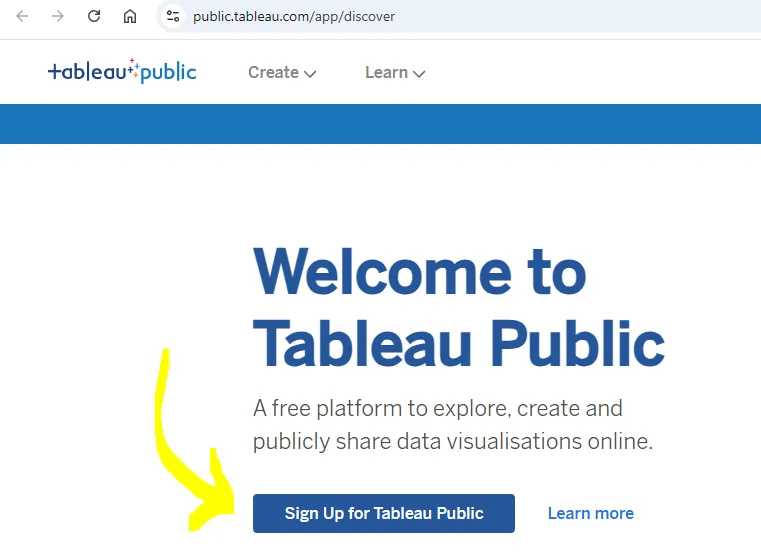
You need to sign up to Tableau Public in order to use the software – head to Tableau Public and click Sign Up for Tableau Public – enter the required information using your school email address. You will receive a confirmation email.
After signing in – you can download and install the free Desktop app. Just sign in, click your Profile and scroll down – near the bottom of the page you’ll see the Download the free Desktop app link. You may need to fill out your details again.

In windows you’ll have a file in your Download folder called: TableauPublicDesktop-64bit-2025-1-0.exe – run it:
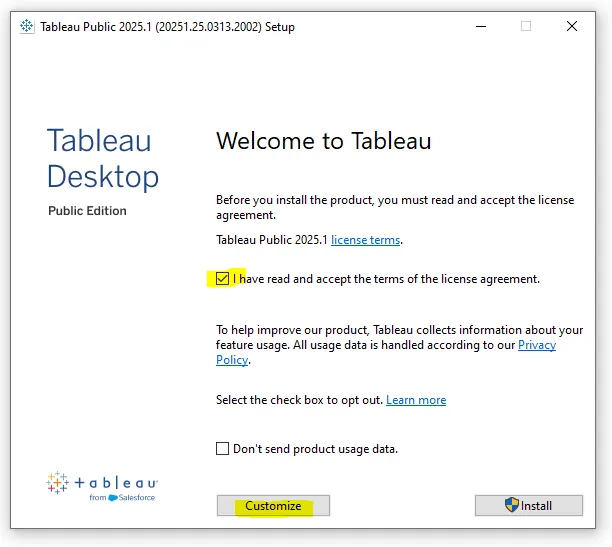
It is usually a good idea to click the ‘Customise‘ option because it will have the same default settings as ‘Install‘, but you can see what it wants to do – sometimes they add bloatware like AVG lite or similar that you DO NOT want to install and can deselect. In this software, it is just desktop icons and shortcuts that they want to add – leave them all selected.