
Back to: WordPress
The default “look” of WordPress is quite primitive and simple. Fortunately there are hundreds (probably thousands) of themes that people have made freely available that you can use to quickly make your site look much more professional and suit the content of your site.
Installing a theme
Login to the “back-end” as an Administrator –> Select Appearance from the Admin menu:

Add Theme
Select the Add Theme button – you will be presented with a page full of pre-made themes that tyou can choose to install into your site:

I’m installing a popular theme named Astra:
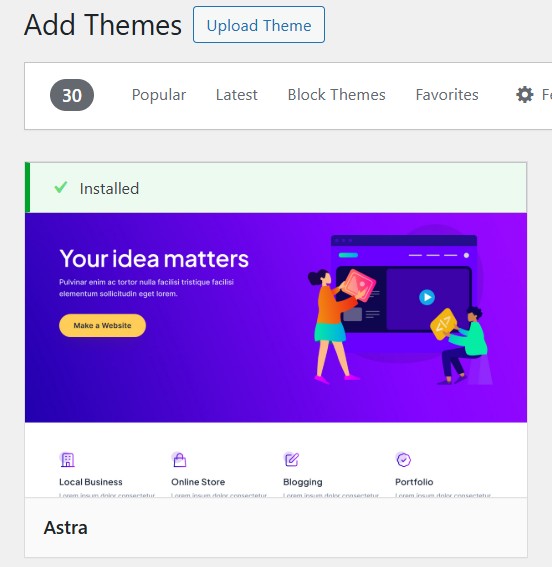
After installing your theme you’ll need to “Activate” it.
Depending on the theme you choose, you may see new menu items appear in the Admin menu. Astra adds a configuration menu to help you set up the website the way you want it.