
Back to: Block Programming
0
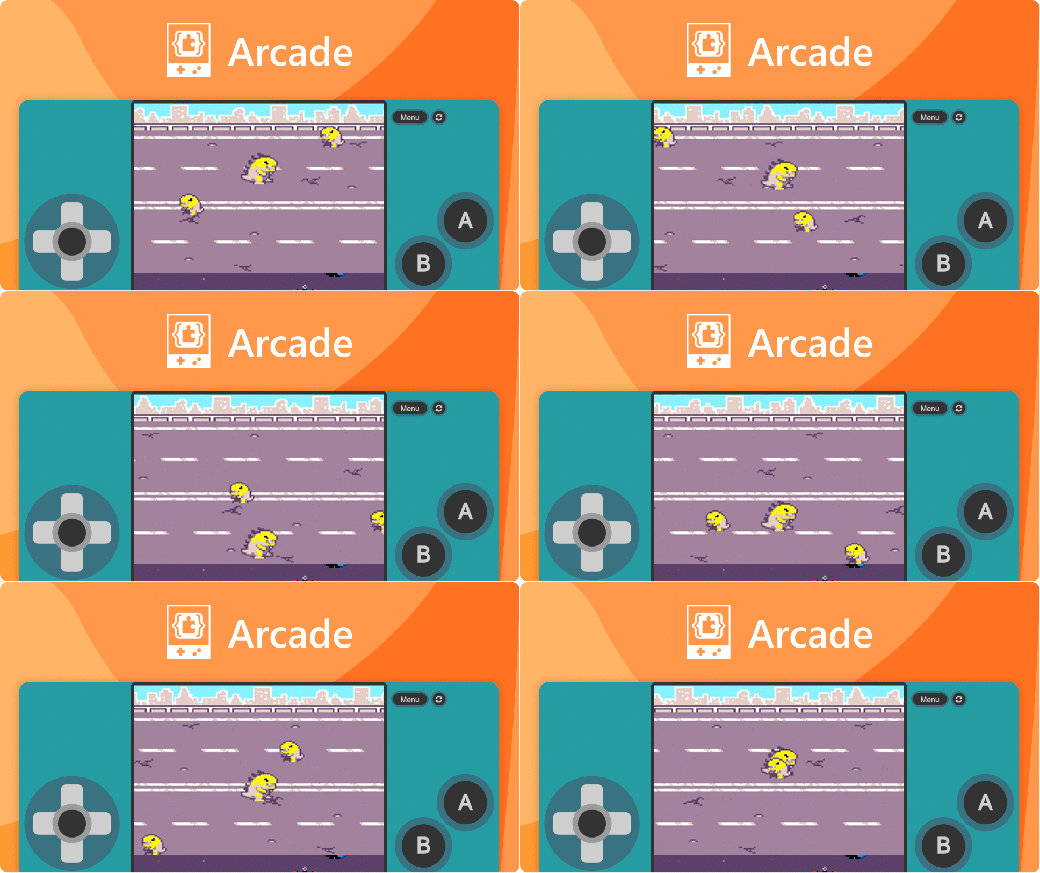
Introducing MakeCode Arcade
Microsoft MakeCode Arcade is a free, web-based code editor developed by Microsoft. It allows students, educators, and hobbyists to design, build, and play retro-style 2D games directly within a browser.
Core Programming Capabilities
- Three Coding Formats: Switch between drag-and-drop Visual Blocks, JavaScript, and Python seamlessly.
- Built-in Simulator: Test games instantly using a virtual on-screen handheld gaming console.
- Asset Editors: Design pixel-art sprites, layout full tilemaps, and compose music utilizing an embedded audio editor.
- Cloud Storage: Sign in with Google or Microsoft accounts to sync and save progress online.
Learning Materials & Engagement
- Skill Maps & Tutorials: Access guided coding maps, step-by-step game design templates, and specialized seasonal activities.
- Hour of Code: Explore curated 60-minute entry lessons themed around platforms like PBS KIDS and Disney.
Getting Started
In your browser head to https://arcade.makecode.com/ – Click the Sign In button and “Continue with Microsoft“.
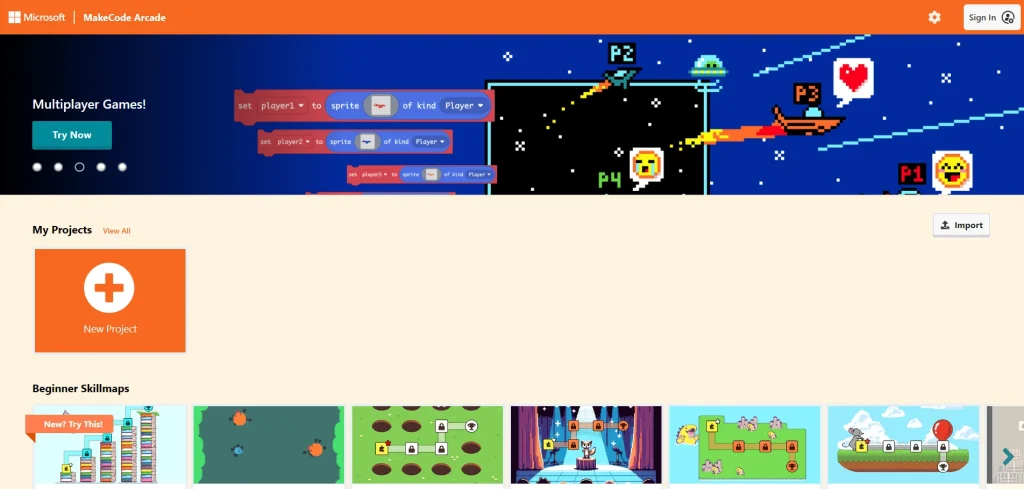
Starting a project in Microsoft MakeCode Arcade